

No items available
No items available
No items available
To begin, you’ll confirm ownership of your Roblox account by placing a unique set of generated words into your Roblox bio. Once added, RoDonate automatically checks your profile to verify it’s really you.
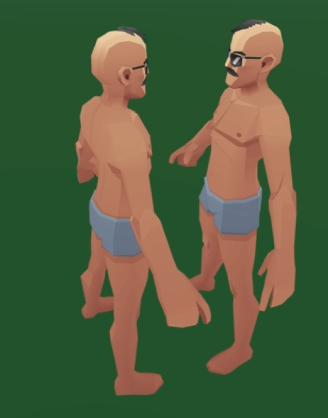
After verification, you can join a browser based 3D world where you can walk around, meet other players, explore booths, and interact in real time.

When you choose a player to support, RoDonate redirects you to the official Roblox website to purchase one of their products. All transactions are handled safely through Roblox’s payment system.
Prefer searching manually? Use the Explore page to find any player who has joined RoDonate, view their available products, and donate instantly via Roblox.